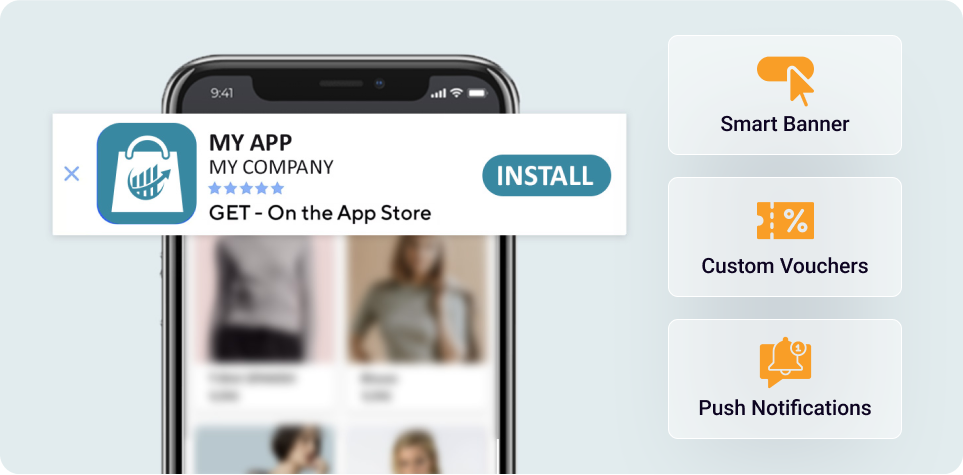
Wie läuft es ab, wenn ich eine App für einen JTL- oder Shopware-Shop möchte?
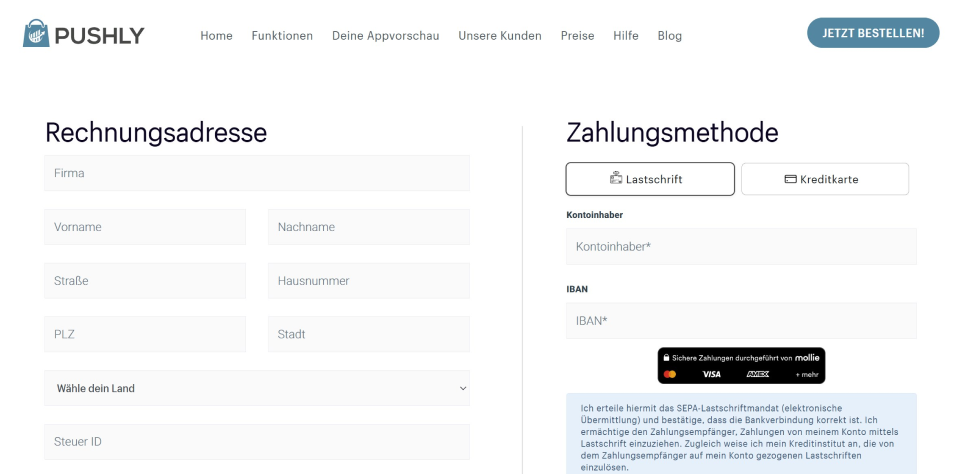
Registrierung und Download: Auf pushly.de registrieren und die Erweiterung im JTL- oder Shopware-Shop herunterladen und installieren. Alle Informationen kommen per E-Mail.
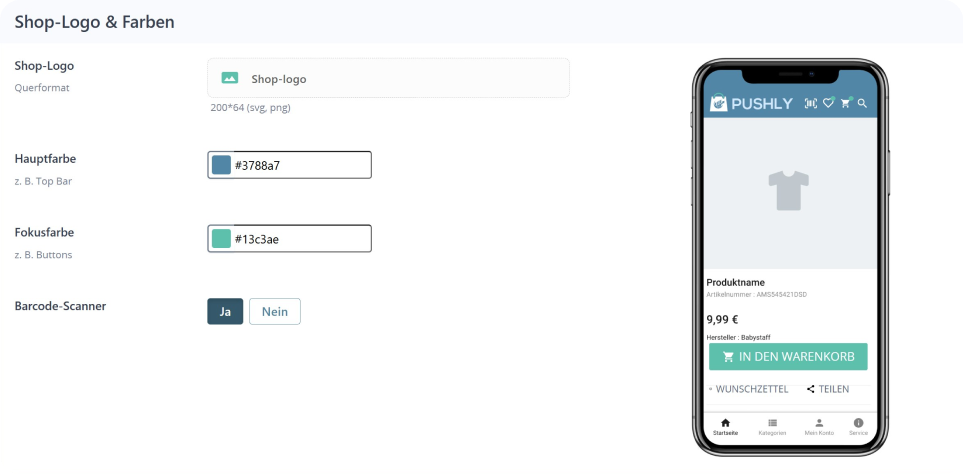
Erstsetup abschließen: Nach dem Einloggen in der Erweiterung das Erstsetup abschließen. Dabei werden das Logo, die Firmenfarbe und einige Texte für die App-Stores benötigt.
App-Erstellung und Upload ohne technisches Know-how: Nach Abschluss der Einrichtung werden die Apps vollständig von uns erstellt und in den Google Play Store sowie den Apple App Store hochgeladen. Es ist kein technisches Know-how erforderlich.
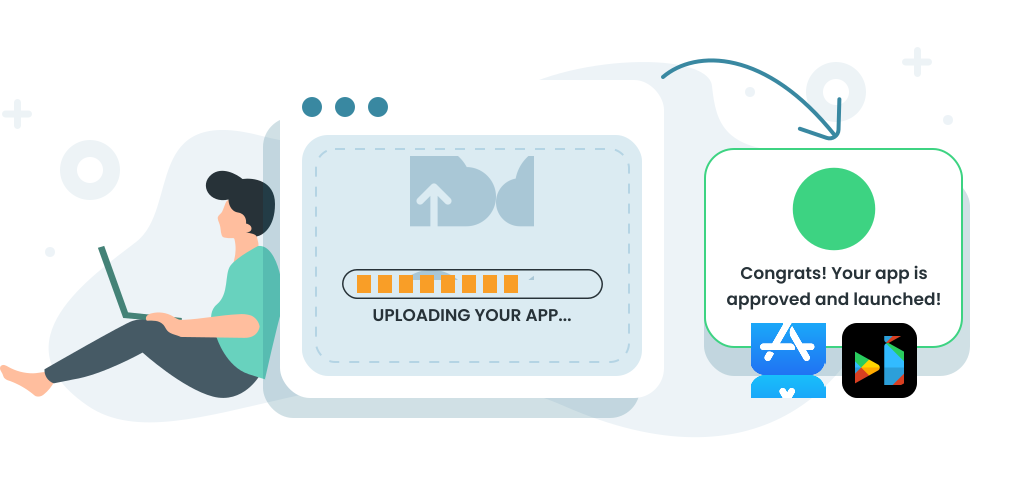
Veröffentlichung der Apps: Google und Apple prüfen die Apps, und sobald sie genehmigt sind, sind sie online und einsatzbereit. Die Freigabe kann auf beiden Plattformen einige Tage in Anspruch nehmen.